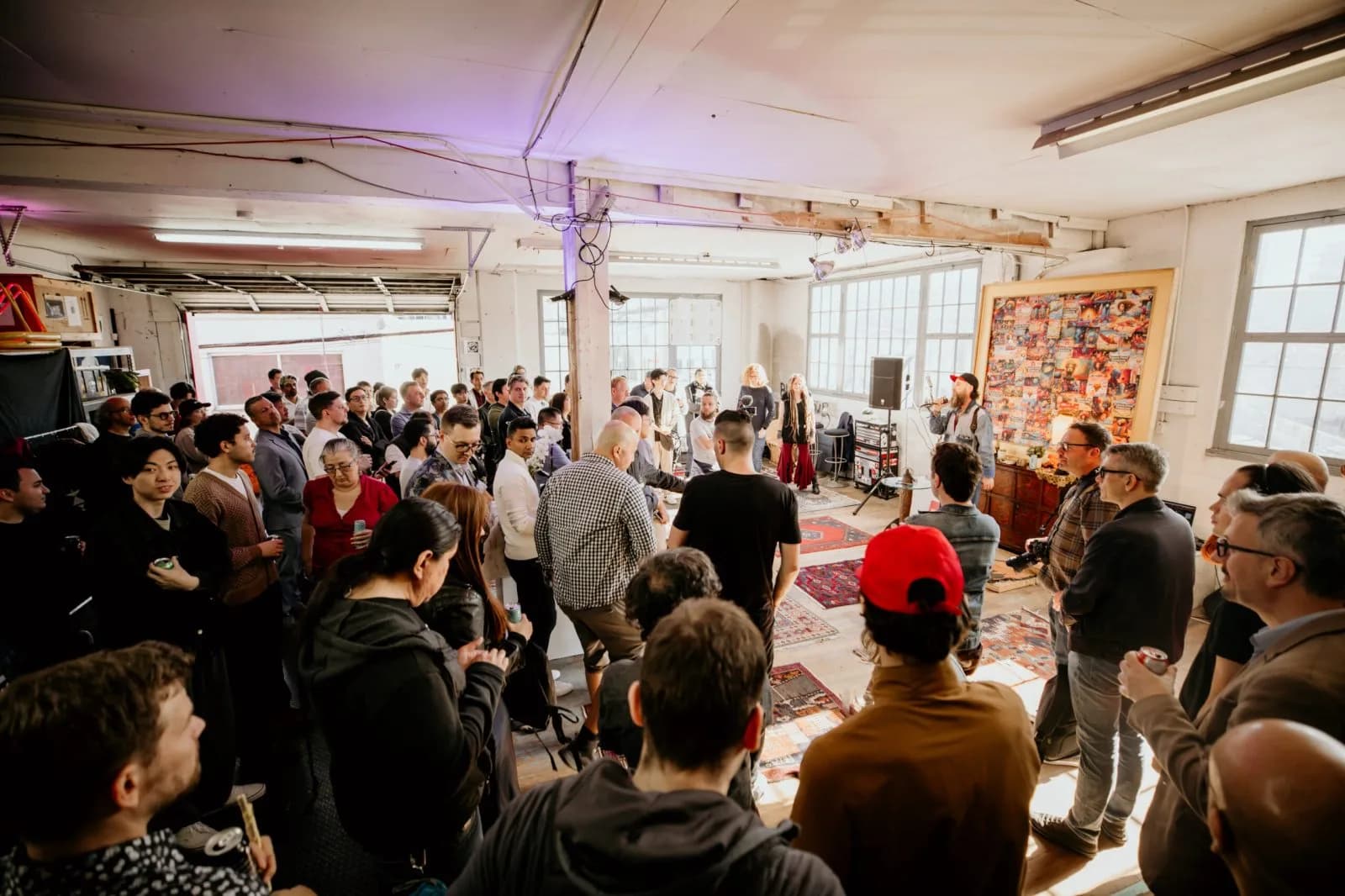
Monthly · Vancouver · Live in the room
Bring the thing you’re building.
Vancouver AI makes room for working prototypes, strange experiments, useful tools, and creative technology at our monthly meetups. No polished pitch required. Put it in people’s hands.
Cadence
Every month
Format
Working things
Room
Questions welcome
Deck
Optional
What belongs here
Good demos have a pulse.
It can be polished, half-built, beautiful, awkward, useful, or gloriously weird. The test is simple: can someone see it work, try it, or understand what changed because you made it?
01
A working prototype
Software, hardware, agents, wearables, interfaces, or a workflow that people can actually try.
02
Research in motion
A model, experiment, student build, or thesis project that gets better when people ask hard questions.
03
A creative instrument
Interactive art, film, animation, music, performance technology, or a machine with a point of view.
04
A practical tool
Applied AI for a workplace, industry, community, or public-good problem. Early and imperfect is welcome.
Hands on
A demo is more than a talk.
Some demos happen onstage. Others take over a lobby table or gather a circle of curious people around a machine. The point is direct contact with the work.


From the demo archive
People who brought the work.
Past meetups have made space for computer vision, wearable AI, mental-health research, experimental hardware, generative lighting, and plenty that refused a tidy category.
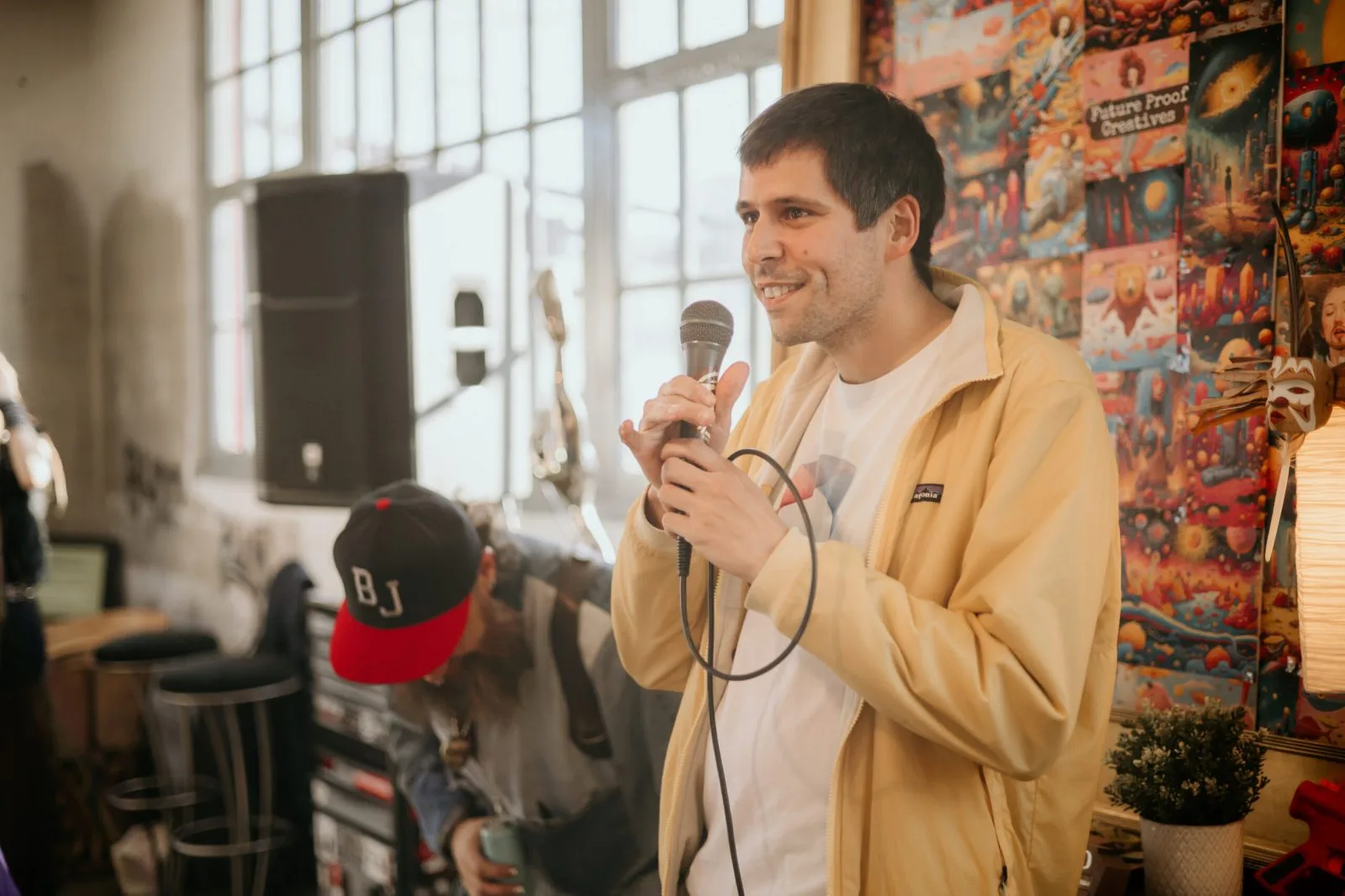
Lionel Ringenbach
CompoVision
Computer vision cameras turned objects in the room into prompts and projected visuals.
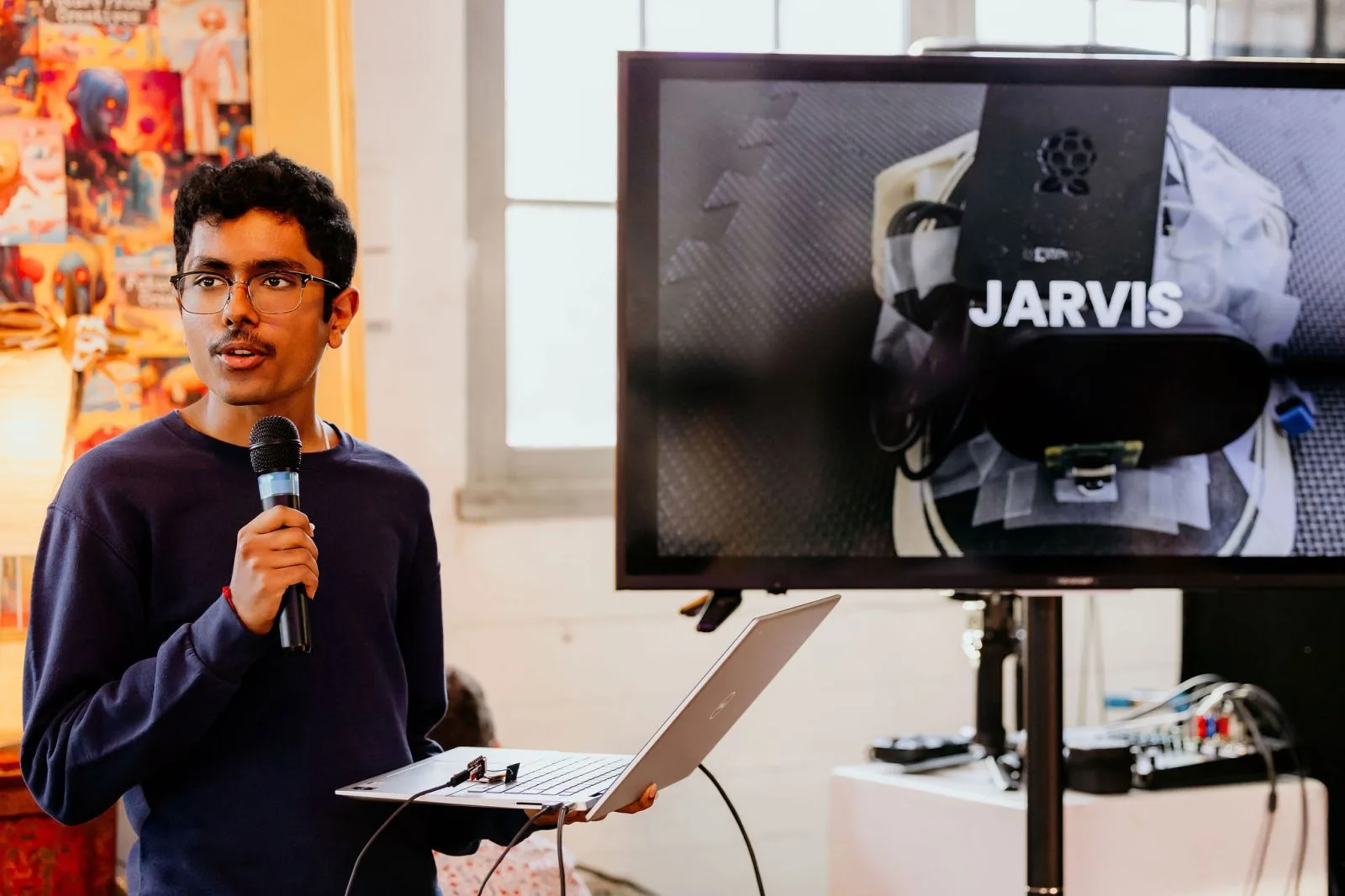
Prajwal Prashanth
JARVIS
A wearable Raspberry Pi assistant with vision, audio, and a very visible prototype hat.
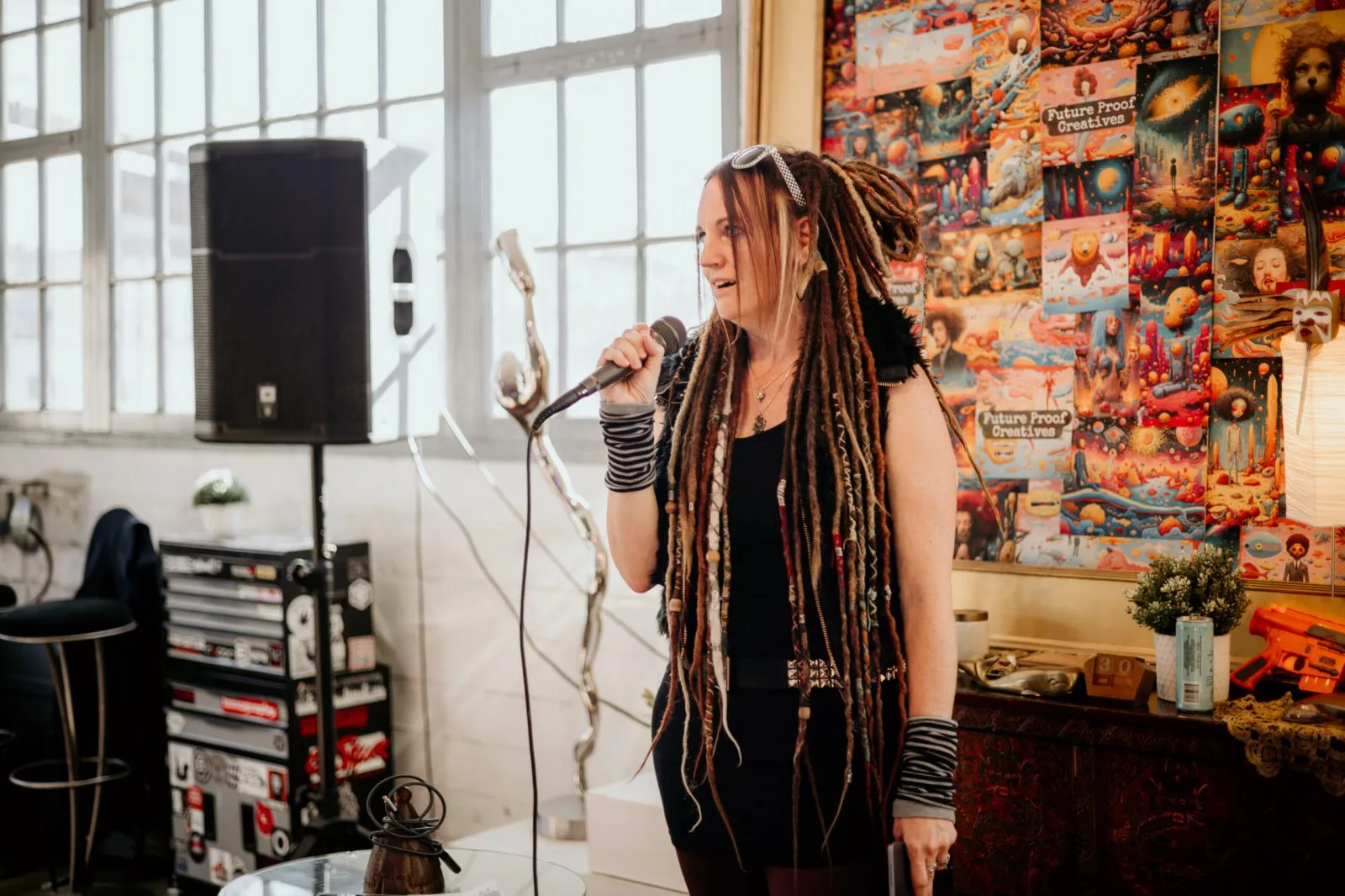
Jericca Cleland
SAGE
An exploration of video games and interactive storytelling for mental health support.
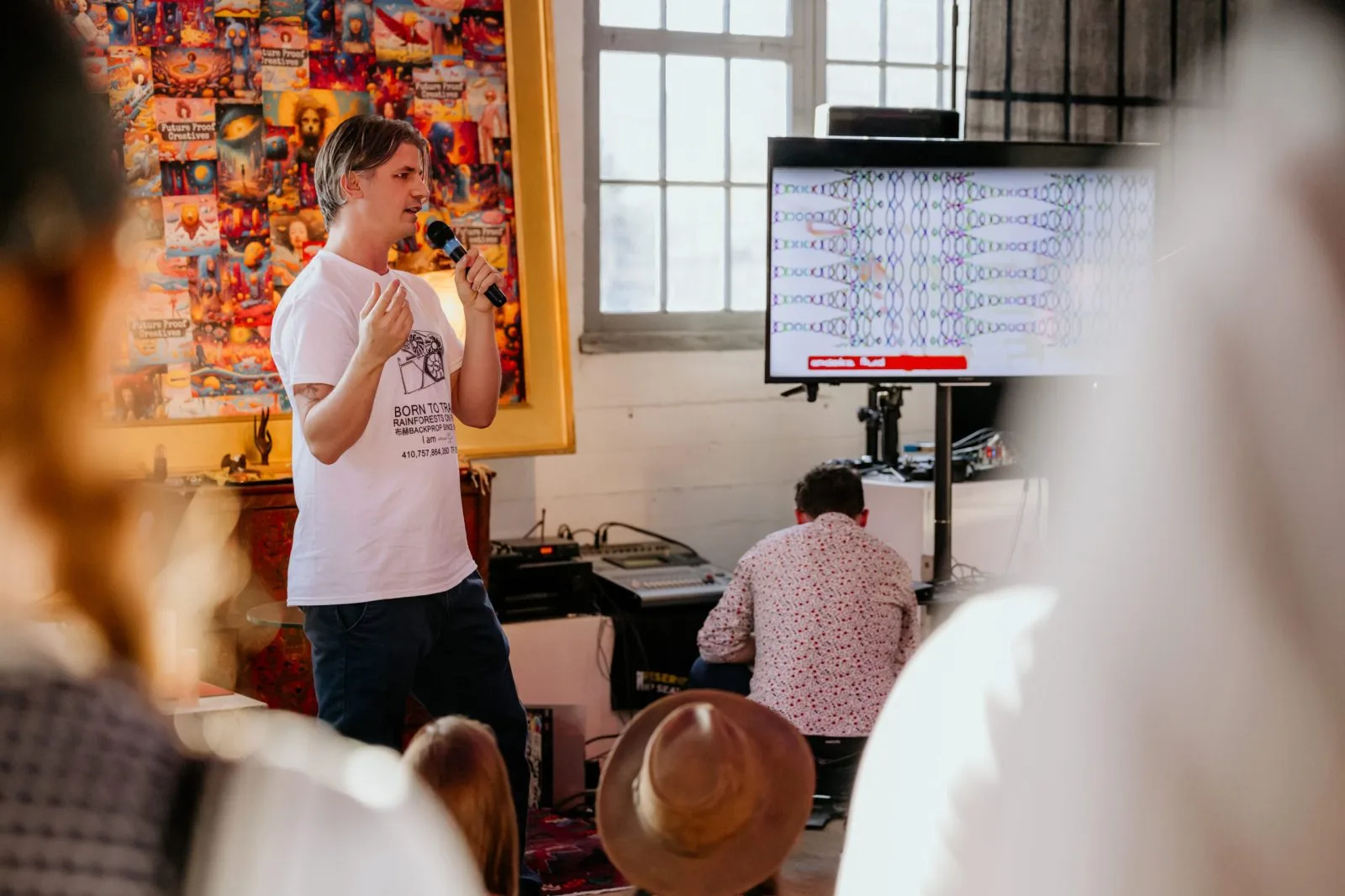
Ed Kennedy
Circuit bending
Live hardware and visual experimentation, opened up for people in the room.
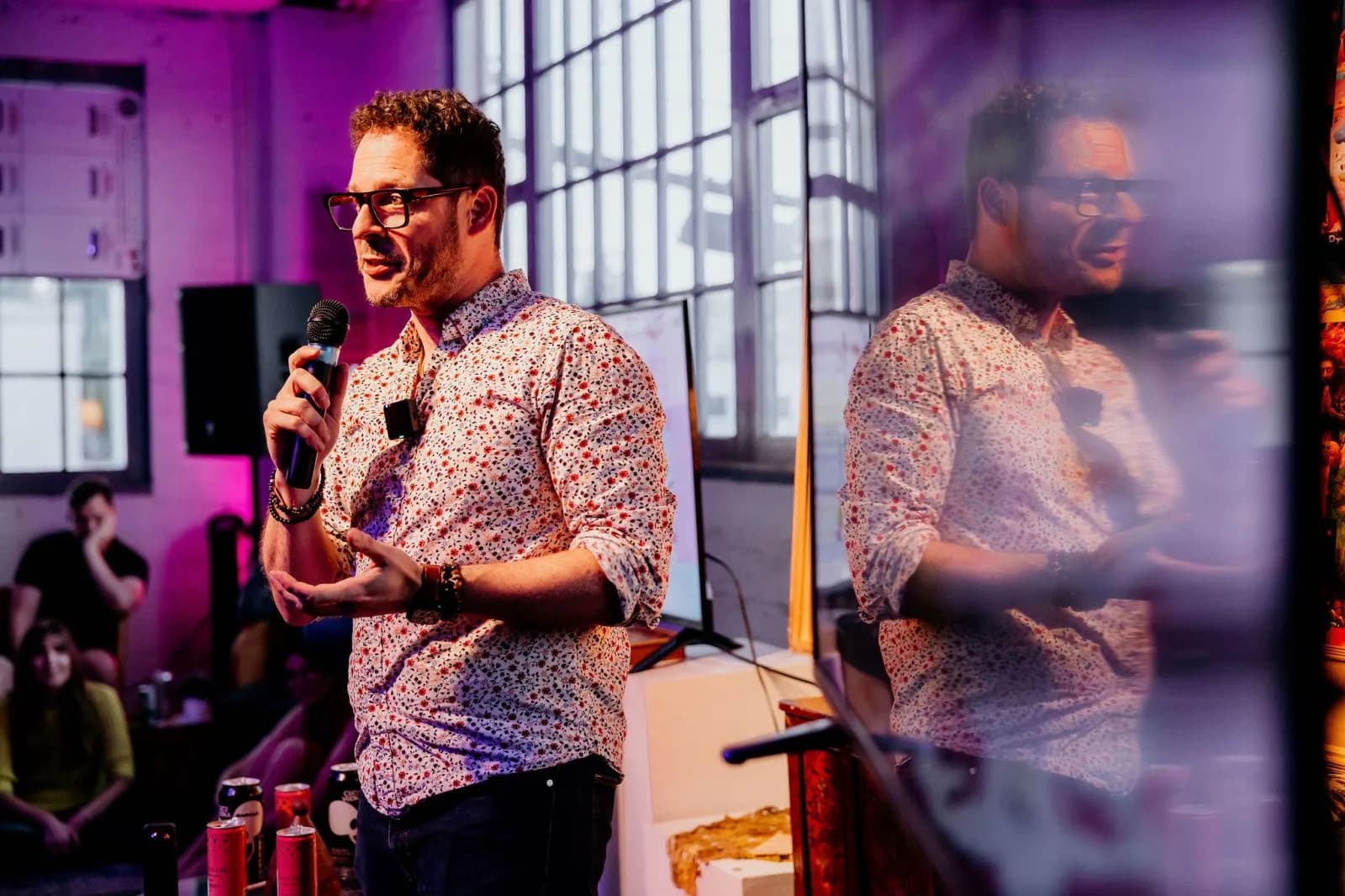
Kevin Friel
AI DMX
Generative tools connected to lighting and live visual control.
How the night works
Small footprint. Real contact.
Tell us what people will see or try. If it fits an upcoming meetup, we confirm the date, table space, power, and any unusual setup needs. You bring tested gear, a backup plan, and a plain-language way into the work.
Venue Wi-Fi is useful, not sacred. If your demo depends on a live service, bring an offline path or a recorded fallback.
Next monthly meetup
Let the room meet your work.
Event photography by Michelle Diamond / Diamond’s Edge Photography and Peter Holst. For a photo correction or removal, email hello@bc-ai.ca.