Week 1
Story, taste, assets
A small story, a clear audience promise, core references, first character/world assets, and realistic scope.
For cohort members, alumni, and anyone scouting the Animation Accelerator before they apply: a practical public field guide for making a short AI-assisted animation. Story scope, production economics, voice-first performance, review language, repair moves, platform literacy, reference pools, and the terms people actually use in the room.
Start Here
Not sure where to start? Pick the thing you actually need right now.
Three weeks from idea to a finished clip, plus how the finish line works.
Six field tools for mid-render decisions: credit, voice, review, region, platform, reference pools.
The credit budget worksheet: what to spend on, what to cut, when to stop.
The Animation Accelerator Glossary, searchable and filterable by production stage.
Craft, labor, rights, representation, and platform context worth checking before a cohort.
What to verify before anything goes public, commercial, or into a festival.
Course Map
The accelerator is not a tool tour. It is a career-navigation and craft-values sprint where one small finished thing beats a perfect unfinished plan.
Week 1
A small story, a clear audience promise, core references, first character/world assets, and realistic scope.
Week 2
First-pass shots, cleaner references, voice or audio direction where performance matters, and a credit-aware iteration plan.
Week 3
A reviewed work-in-progress, a fix list in priority order, and a smallest shippable version.
Finish line
A private learning artifact, portfolio clip, Film Club submission, or showcase candidate with rights and consent checked.
Tiny Ghost Production Timeline
Follow the arc visually, then jump into the matching guide section when you need the details. The pictures support the steps; the written actions below carry the instructions.

Step 01
Start with the smallest honest story.
Define the audience promise, the story beat, and the version you can actually finish before the tools start making the project bigger.
Open this guide section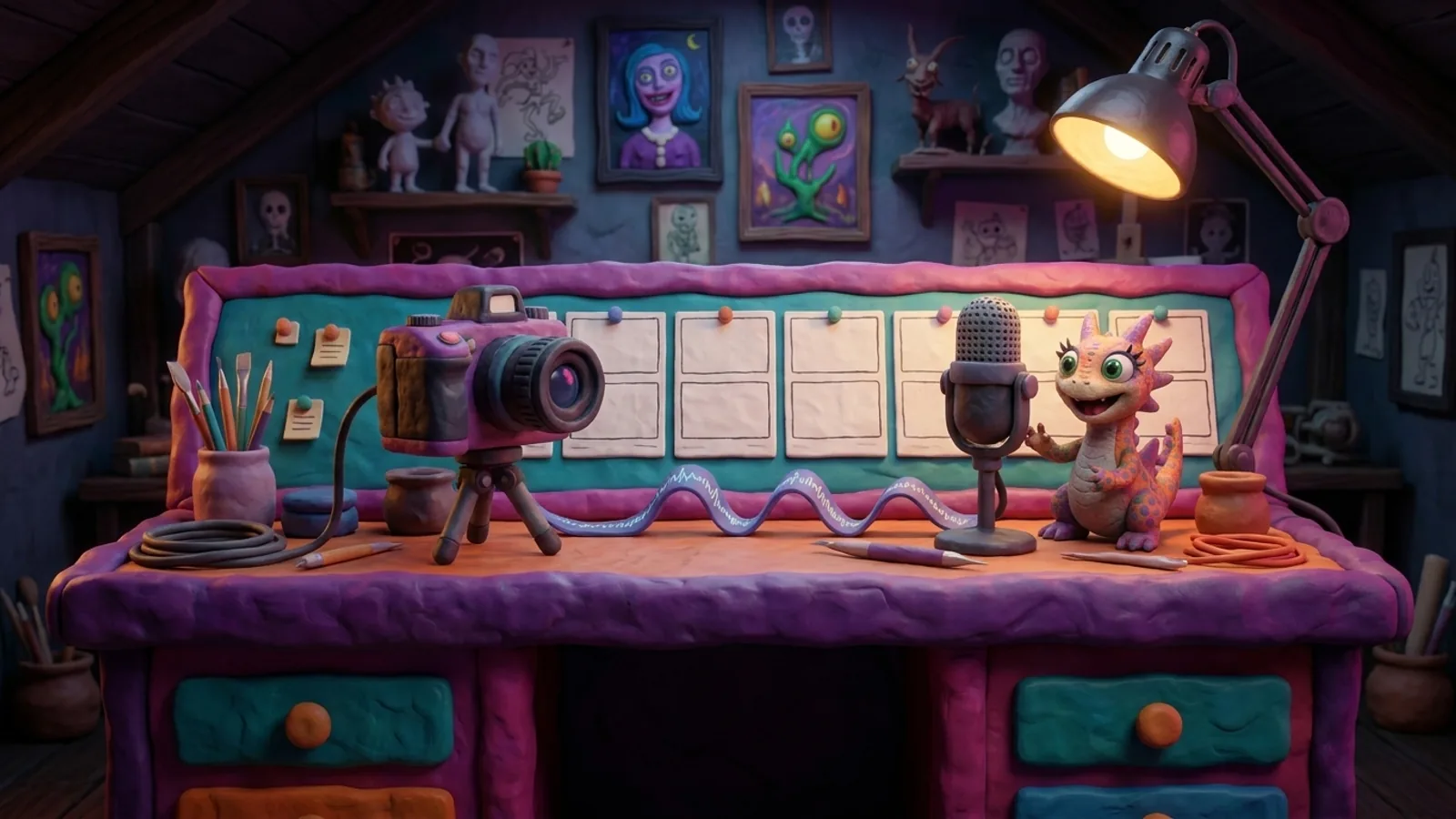
Step 02
Collect the cues that steer the model.
Separate visual references, voice direction, performance notes, and what-not-to-copy constraints so each generation has a job.
Open this guide section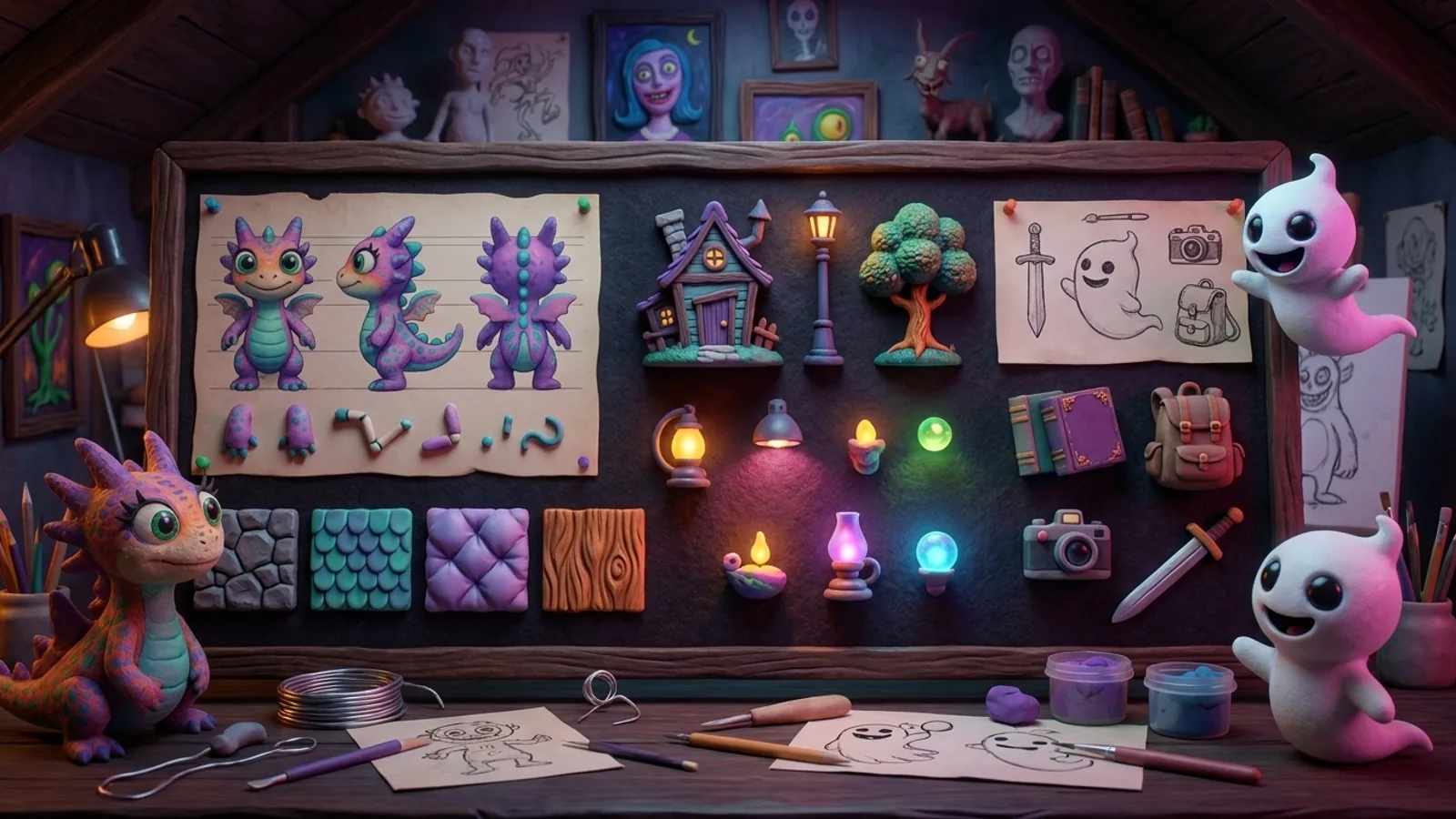
Step 03
Make continuity a production habit.
Track character sheets, style frames, places, props, and continuity risks before spending credits on full motion.
Open this guide section
Step 04
Choose fixes by story value.
Use review language, re-roll limits, region fixes, and stop rules to decide what to repair, simplify, replace, or cut.
Open this guide section
Step 05
Package the version you can stand behind.
Check credits, consent, provenance, and release context before a private artifact, portfolio clip, Film Club submission, or public showcase.
Open this guide sectionProduction Tools
Simple beats fancy here. These are the decisions people need when they are mid-render: what to spend on, what to fix, what to cut, and when to stop.
Use when: Before committing to a production plan, buying another subscription, or letting one shot eat the night.
Use when: Any shot where dialogue, narration, hesitation, or emotional timing matters.
Use when: Reviewing your own piece, giving peer feedback, opening office hours, or deciding what to fix before deadline.
Use when: A still is almost right but one region is wrong: hand, prop, face detail, costume piece, object position, or continuity detail.
Use when: Tool names, model names, credits, commercial terms, and access paths start blurring together.
Use when: Representation, culture, place, body type, clothing, language, or unique character design matters.
Credit Reality Check
Use rough numbers to pressure-test a production plan. This does not save input, compare platforms, or assume any current pricing.
Planning summary
0
estimated attempts across first passes, re-rolls, still explorations, and planned video generations.
Stop rule
Write a stop rule before generating so the tool does not set the deadline for you.
Reference Pool Builder
Use this as a scratchpad for direction, review language, and repair notes. Nothing is uploaded, stored, or sent to a model.
Plain text for a prompt doc, review note, or shot plan.
Ready to copy
Voice-first utility
Plan the acting note before generating or editing a voice take. A final edited voice can become the video reference for timing, face motion, cuts, and shot generation.

Copyable output
Ready to copy
WIP Triage Board
Mark each review dimension by hand, then copy the next-action summary into notes, comments, or a production checklist. Nothing is uploaded, saved, scored, or analyzed here.
Review stance
This is a decision aid for tired humans at the end of a render pass, not a grader.
Copy this plain-language note into the next review conversation.
Reading List
These links are not homework and not endorsements. They give the course its map of craft, labor, rights, representation, tool capability, and platform volatility.
Last verified: 2026-07-02
First-party lessons from the first cohort: tooling, craft, support, and why the program returned.
Broad context on AI adoption, capability, responsible-AI gaps, policy, and public opinion.
Primary source for digital replicas, copyrightability, and AI training policy in the U.S.
Canadian creative-sector context on AI exposure, complementarity, ownership, and entry-level pressure.
Entertainment-worker lens on generative AI, labor impact, and animation-sector advocacy.
Context for the entertainment-jobs study commissioned by creative-worker groups.
Useful model language for character, object, location, and style consistency.
Video/audio generation capability language and safety framing.
Google video-generation framing around audio, control, realism, and prompting.
Official Luma video-model reference for motion, instructions, and image/video inputs.
Commercial-safety language and the distinction between Adobe models and partner models.
Animation Accelerator Glossary
Search by term or filter by production stage. Use this when a model, platform, credit, shot, or rights term sounds obvious to everyone except you.
34 of 34 terms
Systems and tools
The underlying AI system that generates or transforms output.
Production meaning
Name the model separately from the platform when comparing results or explaining how a shot was made.
Use when
Use this term while making plan, generate, review decisions.
Why it matters
It gives the team a shared word for systems and tools choices before the work gets harder to fix.
Useful during
Related terms
Alphabetical definitions pulled from the same term data as the interactive production map.
Representation
If a model has seen fewer examples of what you are asking for, expect to direct more carefully. Build reference pools intentionally, try culturally specific references, compare non-English prompt experiments, and plan extra setup time for unique character design.
Release Notes
This guide is practical course context, not legal advice. Before public, commercial, client, festival, or showcase use, check platform terms, source licenses, music, likeness, voice, consent, credits, and provenance. Tool names, pricing, and policy claims should be rechecked before each cohort.